Accessibility
Restore browser behaviors that help users select, enlarge, quote, or save text for personal accessibility needs.
Allow Copy Helper helps with legitimate accessibility, research, note-taking, and productivity workflows by restoring selection, right click, and copy shortcuts on the current page.
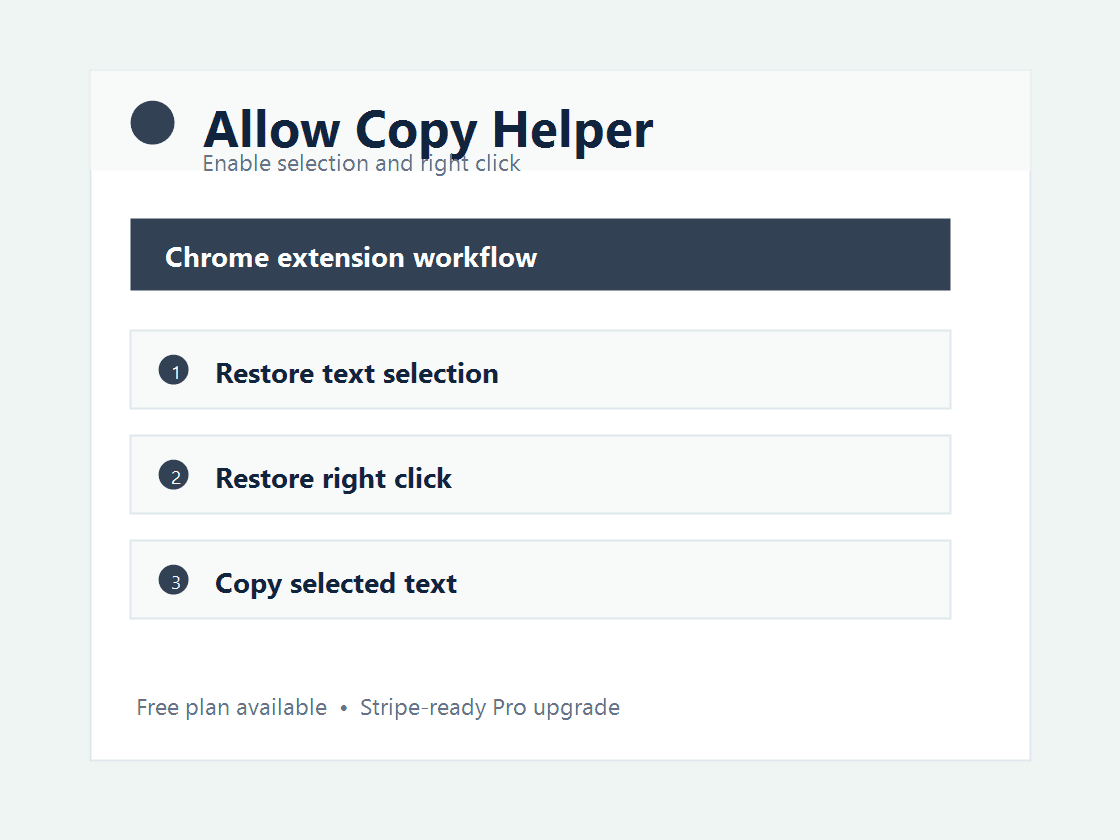
This extension is built around a specific productivity pain instead of a generic tool bundle. It gives users a direct browser workflow, a free entry point, and a paid plan for professionals who use it repeatedly.
Restore browser behaviors that help users select, enlarge, quote, or save text for personal accessibility needs.
Copy short selected passages into notes without fighting broken page scripts.
Avoid retyping useful snippets when a page interferes with standard browser controls.
The free extension restores basic selection and copy behavior. A Pro lifetime license can add saved site profiles and advanced productivity controls.
No. It is positioned for accessibility, research, note-taking, and productivity. Users should respect copyright, paywalls, authentication, and site terms.
Yes. It can stop page scripts from blocking the context menu on the current tab.
It can restore normal selection and copy behavior on pages that interfere with browser defaults, but it should be used responsibly and legally.
No. The extension uses active tab access and injects helpers only when the user clicks the popup action.
Use the free plan first, then upgrade when the extension saves time every week.
Read the privacy policyInstall Chrome Extension