AI-generated drafts
Clean Markdown, stray symbols, and inconsistent spacing before pasting into Google Docs.
Docs Cleaner cleans text copied from ChatGPT, PDFs, websites, Word, and email so it is ready for Google Docs. Remove broken spacing, invisible characters, Markdown, and bad line breaks.
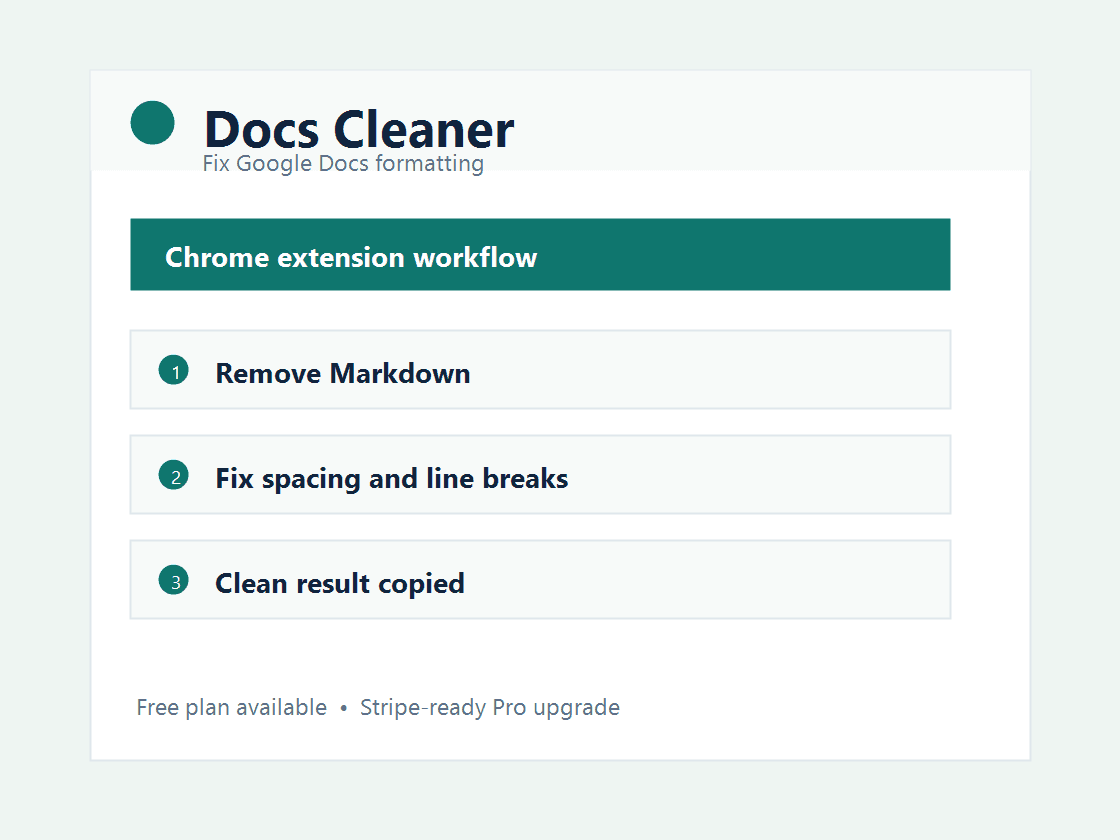
This extension is built around a specific productivity pain instead of a generic tool bundle. It gives users a direct browser workflow, a free entry point, and a paid plan for professionals who use it repeatedly.
Clean Markdown, stray symbols, and inconsistent spacing before pasting into Google Docs.
Repair broken line breaks and extra spaces from copied source material.
Prepare articles, assignments, resumes, and briefs with less formatting cleanup.
Free users get 30 cleanups per month. Pro is designed for writers, students, teachers, creators, and marketing teams that clean documents every day.
Paste the messy text into Docs Cleaner, choose cleanup options, then copy the cleaned result into Google Docs.
Yes. The extension removes common Markdown markers like headings, bold markers, inline code, and list syntax.
The MVP cleans text in the popup and copies the result. Direct in-document formatting automation can be added later.
Students, writers, teachers, creators, and teams that regularly paste AI, PDF, or website text into Google Docs.
Use the free plan first, then upgrade when the extension saves time every week.
Read the privacy policyInstall Chrome Extension