Images and screenshots
Extract text from visual content without retyping it manually.
SnapText OCR captures the visible browser tab and turns image text into copyable text. It is built for students, developers, researchers, support teams, and anyone who needs private screenshot-to-text OCR.
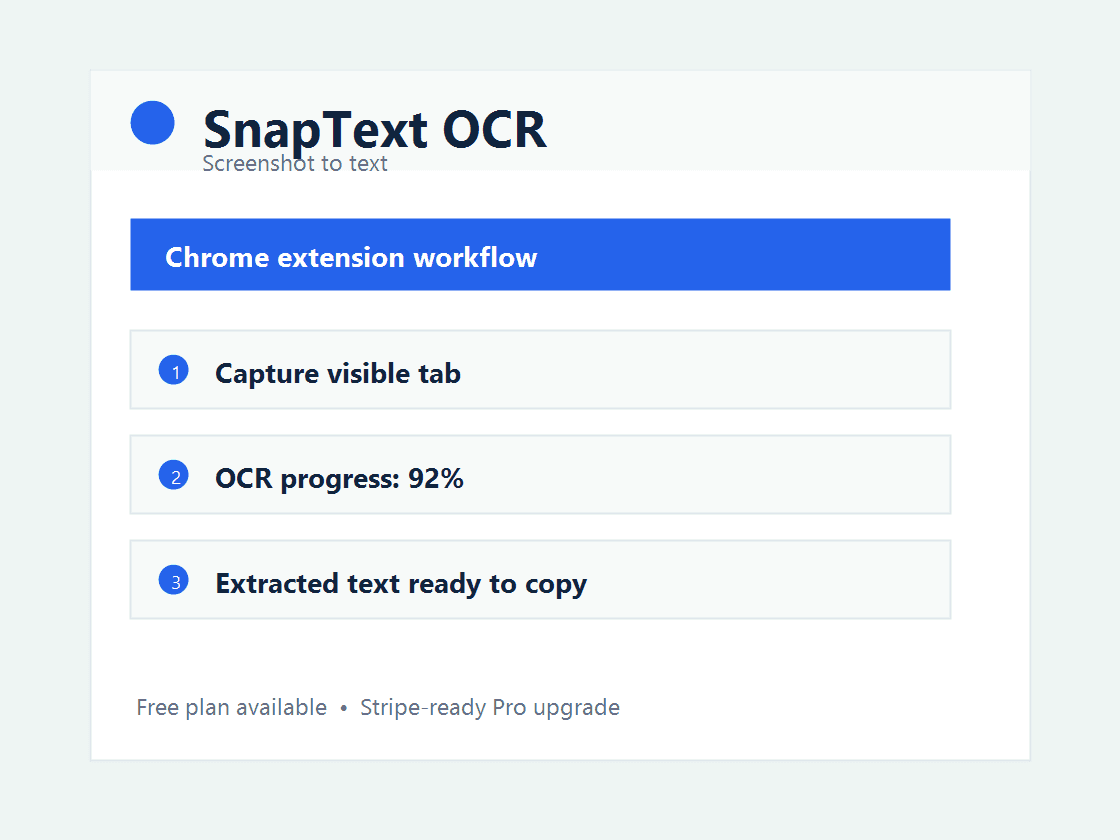
This extension is built around a specific productivity pain instead of a generic tool bundle. It gives users a direct browser workflow, a free entry point, and a paid plan for professionals who use it repeatedly.
Extract text from visual content without retyping it manually.
Pause a video or presentation, capture the tab, and copy readable text.
Turn text embedded in images, PDFs, dashboards, and support screens into notes.
Free users get 20 OCR captures per month. Pro is built for unlimited OCR, local history, translation, Markdown export, CSV export, and table recognition.
It is a browser extension that captures the visible tab and uses OCR to convert image text into selectable, copyable text.
The extension is designed around local OCR assets bundled with the extension, so the MVP does not need to upload screenshots to an OCR API.
Yes. Capture the tab where the image appears, run OCR, and copy the extracted text from the popup.
It is useful for students, researchers, developers, support agents, and people who need to copy text from images, videos, screenshots, or PDFs.
Use the free plan first, then upgrade when the extension saves time every week.
Read the privacy policyInstall Chrome Extension